Complete the client information sheet
Provide the information required to create your professional documents.
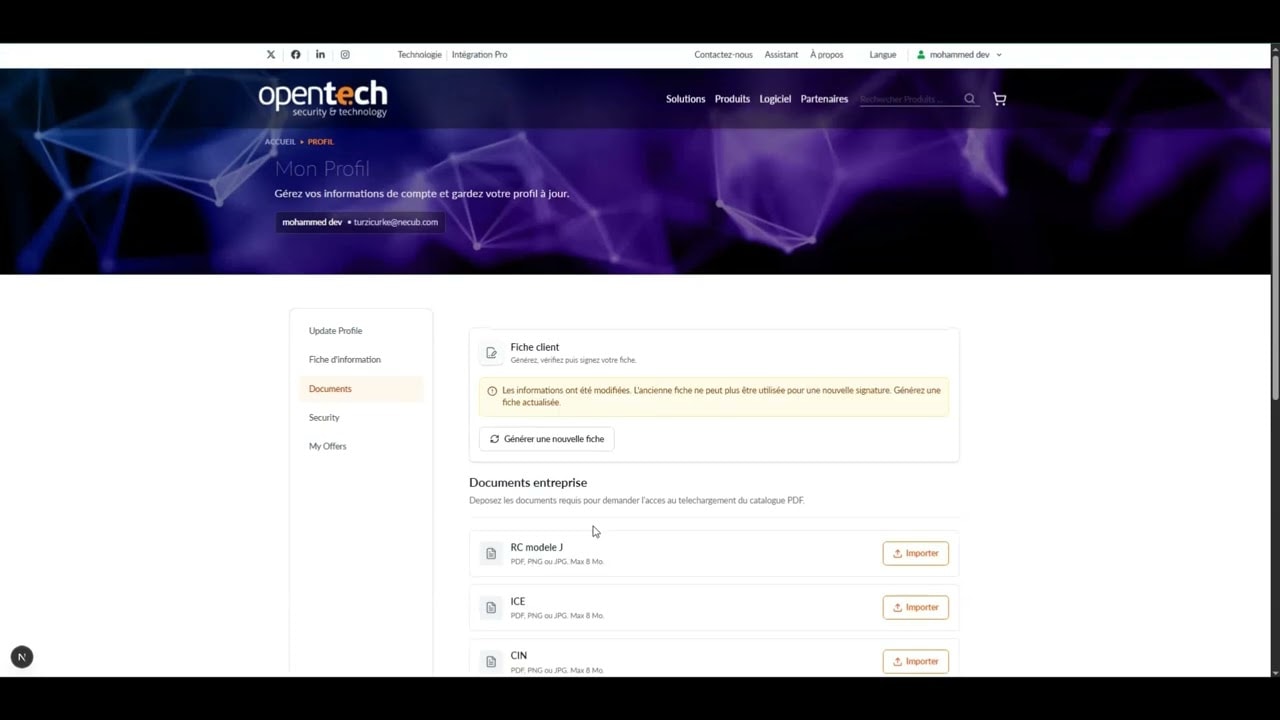
Complete the client information sheet
Before you start
- A signed-in professional account
- Your company’s legal information
- Bank details and representative contact information
Steps
- 1
Open your profile and select Client information.
- 2
Complete the partner and representative details.
- 3
Enter the required legal and bank information.
- 4
Select the product subcategories that interest you.
- 5
Check all fields marked with an asterisk, then select Save and submit.
- 6
When confirmation appears, continue to signature.
Helpful tips
- Use the exact legal company name shown on official documents.
- You can correct any section before submitting the sheet.