Submit an SDK integration request
Request SDK access and complete the required approval steps.
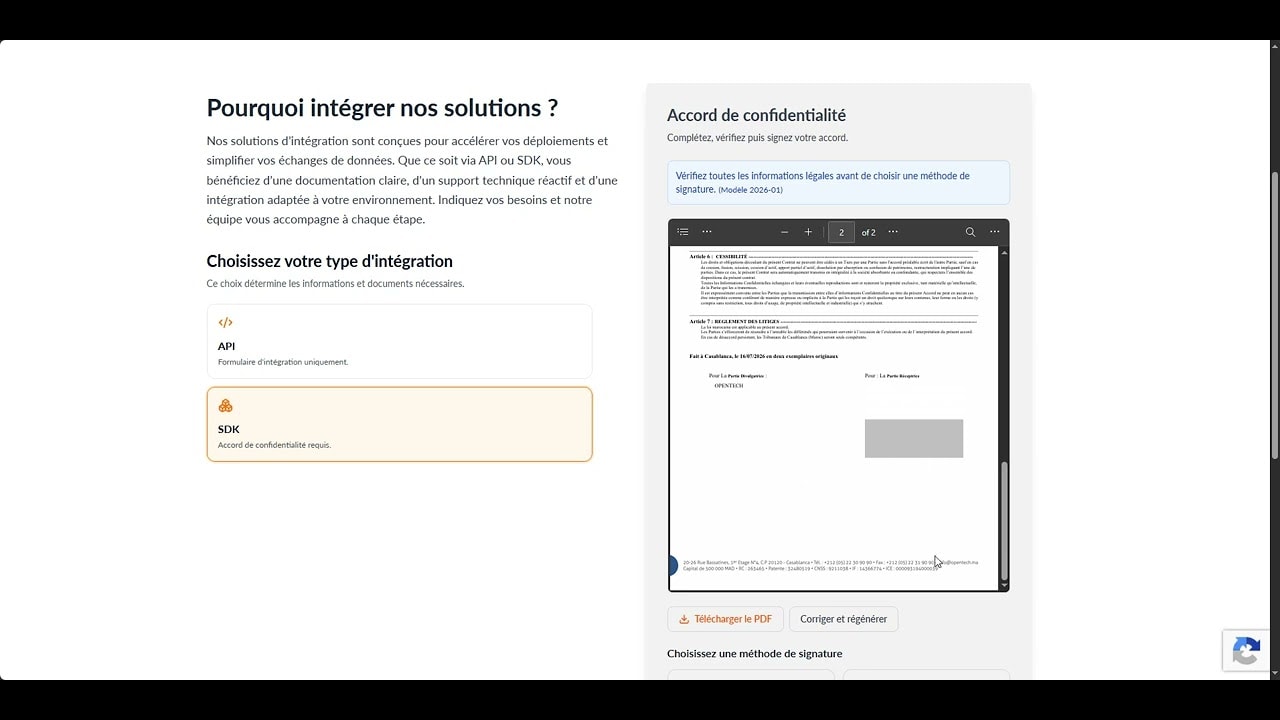
Submit an SDK integration request
Before you start
- A professional account
- The project and required SDK components
- A confidentiality agreement when required
Steps
- 1
Sign in with your professional account.
- 2
Open the integration request.
- 3
Choose SDK.
- 4
Select the SDK components required for your project.
- 5
Complete the confidentiality agreement when requested.
- 6
Review the information and submit the request.
Helpful tips
- Select only the SDKs relevant to your project.
- Check your professional information before starting.